The total cost of ownership (TCO) is what your school spends to buy, install and run a dental simulation lab over a set period. For a five-year budget, add the one-time costs to the cost of running the lab in each of the five years.
Give both suppliers the same brief. Include the number of independent practice stations, the exercises students need to perform, the expected use and the delivery destination. Compare the quotes over the same period. A station should count toward student capacity only if it supports the planned hands-on work. Use the guide to sizing a dental simulation lab if you are still deciding how many places you need.
Dental simulator price ranges
Use these JingleMed reference prices to start your equipment budget. The ranges are in US dollars per simulator unit. Custom configurations and extra options can change the price. Request a written project quote for the model and options you need.
| Simulator type | Reference range |
|---|---|
| Single-student electric | $1,000–$3,500 |
| Two-student electric | $4,000–$6,000 |
| Single-student manual | $800–$1,200 |
| Two-student manual | $1,200–$2,100 |
For a two-student unit, check whether both students can practise independently at the same time or will work as an operator and assistant around one phantom head. Use the confirmed number of independent practice positions to calculate the units your school needs. Ask for option prices separately so you can compare the same set of teaching functions across quotes.
Upfront costs to put the lab into service
Start your dental simulation lab budget with the full equipment list. Check which quotes include the phantom heads, practice jaws, lamps, handpieces and stools needed for each station. Add any shared equipment the room needs, such as an air compressor for a configuration that requires compressed air.
On a separate line, record packing, freight, delivery to the room and any applicable import charges. Use the same currency and tax basis for both quotes. Add the school's share of site preparation, installation, startup checks and staff training. Ask who pays for each item and mark any amount already included in another line. If the supplier includes delivery in the equipment price, record it there once.
Check where each delivery price ends. One quote may cover transport to your building while another may include unloading and moving equipment upstairs. Ask for the agreed delivery point and put any local handling quote on the same comparison sheet. If the school already owns suitable equipment, include any work needed to connect or adapt it.
Use the dental simulator price guide to check what the quote includes. Ask your facilities team for site costs using the exact configuration and its installation requirements.
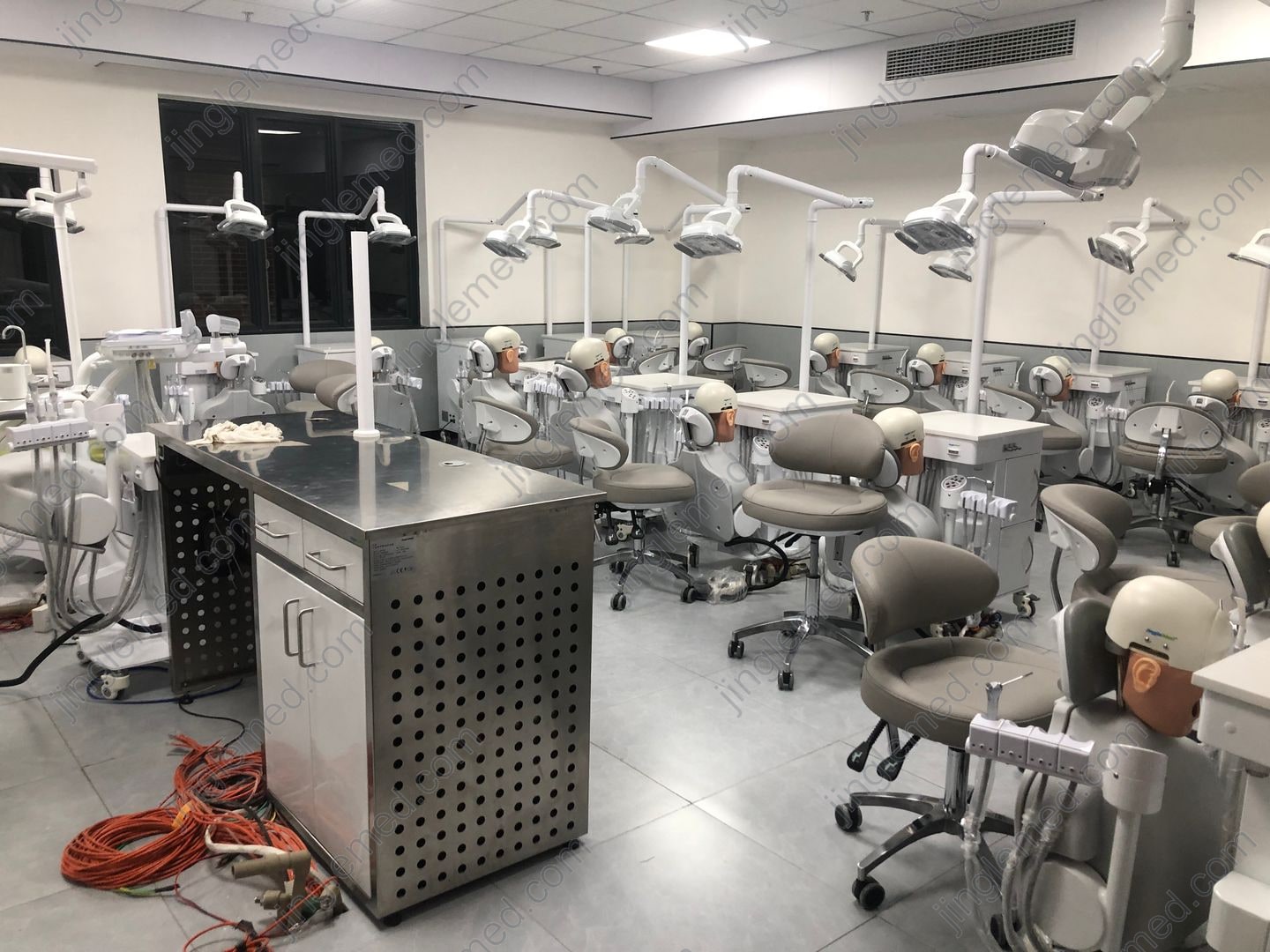
Annual costs for teaching and maintenance
Typodont replacement teeth cost about US$0.20 per tooth as a JingleMed budgeting reference. Confirm the exact part number, pack size and price for your practice jaw. Ask instructors how many teeth each exercise uses and how often the class runs it. Add the planned quantities for each module, then multiply the number you need to order by the quoted price. If teeth come only in full packs, use the number of packs you need to buy.
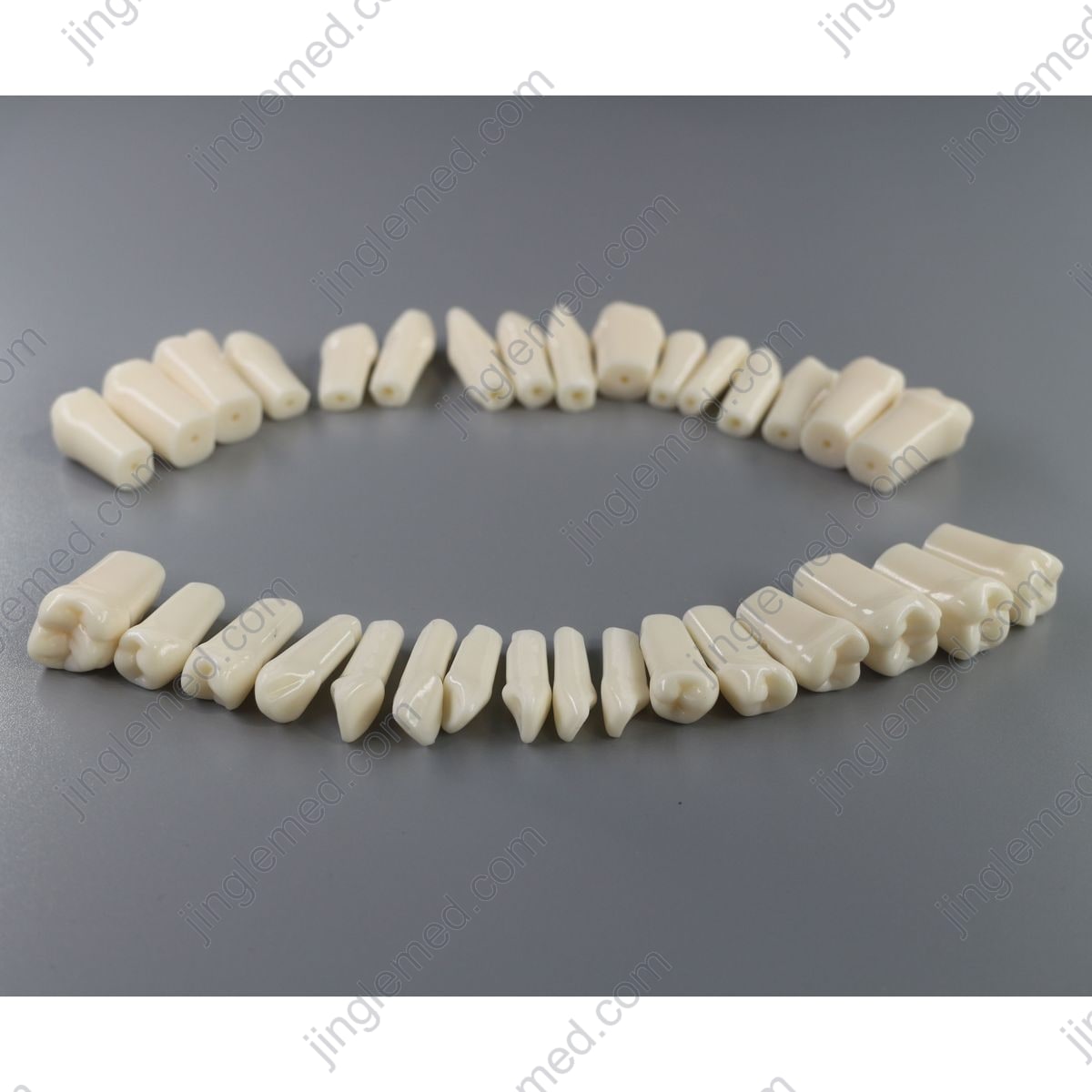
Include other consumables your courses use, such as replaceable face masks or practice inserts. If a quote includes an opening stock of teeth, subtract those usable pieces from the number you need to buy in the first year. Record what you expect to order in later years.
For dental simulator maintenance costs, ask for the service schedule for the quoted model. Budget for planned service and list any expected repair allowance separately. Check whether the service quote includes labour, parts and travel. Your facilities team can estimate utilities where they add a meaningful cost. If a station needs to be taken out of service for repairs, ask how the school would keep the class running and whether that arrangement has a cost.
Ask which spare parts can be ordered individually and which come as a kit. Include any spares the school plans to buy with the equipment in the opening budget. Under annual costs, record expected orders to replace the parts you use. If a service contract covers those parts, check how it handles replacements before adding a separate parts allowance.
How to calculate the five-year cost
Start with the quoted equipment price multiplied by the number of units, then add all other one-time costs your school will pay. Use your course plan, supplier prices and service terms to work out the running costs for each year. Check when warranty coverage ends, since the school may pay for different repairs later in the five-year period.
Five-year total = upfront costs + running costs for years 1 to 5.
Five-year cost per station = five-year total ÷ number of independent practice stations.
The five-year total gives you a basis for choosing between offers. Your finance team may also need a year-by-year cash budget. Show when the equipment payment is due, when the first stock order is needed and when each service contract starts. The year a cost falls in may matter for approval even when it leaves the five-year total unchanged.
Budget worksheet for your lab
Copy these rows into your budget sheet and fill one column per supplier. Record the currency, tax basis and quote date. In your notes, identify any costs covered elsewhere in the quote and mark missing prices as pending. If costs change by year, list years 1 to 5 separately. Swipe sideways if the table is wider than your screen.
| What to enter | Quote A | Quote B |
|---|---|---|
| Independent student stations | _____ | _____ |
| Equipment and starting stock | _____ | _____ |
| Delivery and import costs | _____ | _____ |
| Site preparation, installation and training | _____ | _____ |
| Annual teeth and other consumables | _____ | _____ |
| Annual service, parts and repair allowance | _____ | _____ |
| Annual utilities and other operating costs | _____ | _____ |
| Five-year total (upfront + years 1 to 5) | _____ | _____ |
| Five-year total divided by station count | _____ | _____ |
For a new course, ask instructors for the planned exercises and the number of teeth each exercise uses. Check whether the timetable includes repeat practice or makeup sessions. Use that same course plan in both columns and update the budget once you have ordering records.
Before sending the comparison for approval, ask instructors to review the expected use and the facilities team to confirm the room costs. Keep the supplier answers with the budget so the next person can see which figures came from a quote and which came from the school's own estimates.
Discuss your lab budget
Send JingleMed the number of independent stations, the planned exercises and expected use per student, your delivery destination and the items covered in your current quote. We can review the proposed configuration and help identify the consumables to include in your budget.
Discuss your lab budget